Signature Reminder Cadence That Gets Deals Signed
A signature request that sits unopened is not a lost deal, but it is a deal losing momentum. The gap between 'sent' and 'signed' is where most e-signature workflows quietly leak time, and the reminder cadence you set is the single biggest lever on how wide that gap gets.
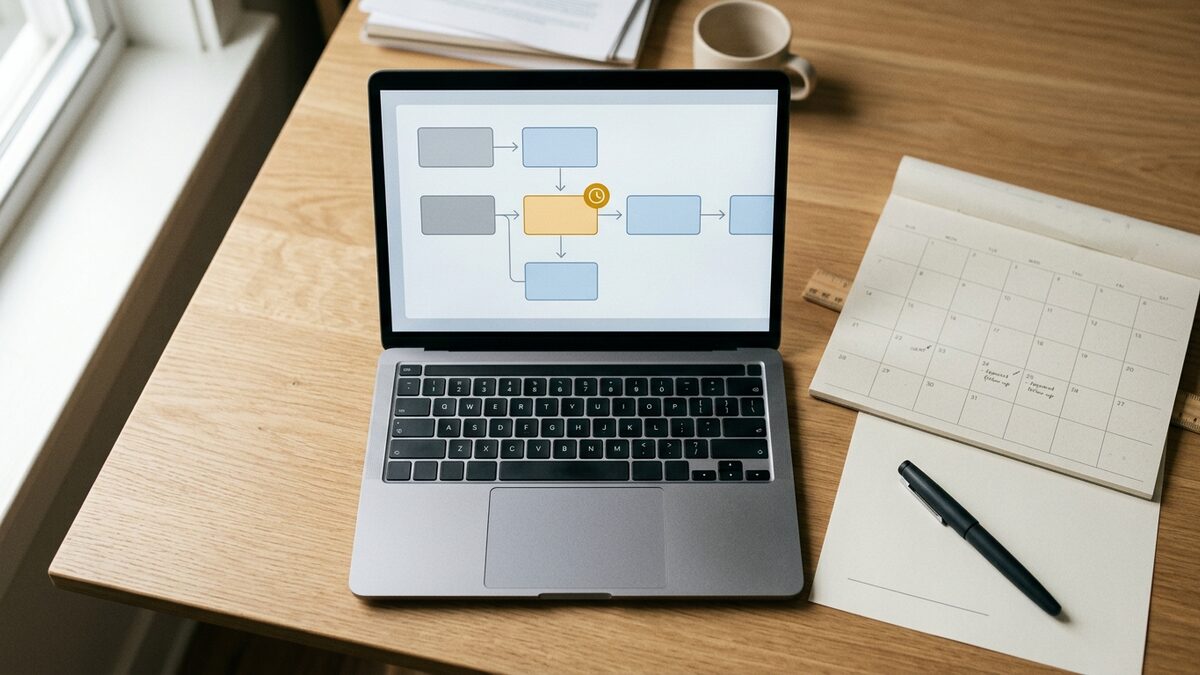
Most teams treat reminders as an afterthought: a default toggle set to 'every 3 days' that nobody revisits. That default is why documents stall. Too sparse, and the request drifts to the bottom of an inbox. Too aggressive, and you train the signer to filter your sender address before they have read a word. The goal is not to nudge more; it is to nudge at the moments a signer is most able to act.
Before setting any schedule, separate two failure modes, because they need different fixes. The first is a document that was never opened, which is a delivery and attention problem. The second is a document opened but not signed, which is a friction, authority, or hesitation problem. A reminder that reads the same for both is wasted on at least one of them.
Build the cadence around the signer's decision window, not the clock
A calendar-based cadence assumes every deal moves at the same speed. It does not. Tie the first reminder to signer behavior instead: if the document has not been opened within 24 hours, the problem is visibility, so re-send through the same channel with a shorter subject line. If it was opened but not signed within 48 hours, the problem is not awareness, so a repeat of the same email adds nothing.
A cadence that respects the decision window looks closer to this:
- Hour 24, unopened: a single re-notification, same channel, plain subject. No new content, just resurfacing.
- Hour 48, opened but unsigned: a short message that names the specific blocker you expect, such as needing a second approver or a question about a clause.
- Day 4: switch channels. If email has not worked twice, a different medium carries more signal than a third identical email.
- Day 6 to 7: hand off to a human follow-up rather than another automated ping.
The spacing widens on purpose. Front-loading attempts in the first two days captures the signers who simply lost the thread, while stretching later reminders avoids the pattern that reads as pestering. Compressing all four attempts into 72 hours is the most common self-inflicted wound: it burns through every touch before the signer's own internal process has had time to move.
Escalate to a human before the reminders start to annoy
Automated reminders have a hard ceiling on what they can accomplish. They can resurface a document and restate a deadline. They cannot answer the question the signer is actually stuck on, and by the third automated message the signer usually assumes no one is reading their silence. That assumption is what kills the close.
Set an explicit escalation trigger rather than letting the sequence run indefinitely. Two unproductive automated reminders on an opened document is a reliable signal that the blocker is human, not technical. At that point a short personal note, from the deal owner rather than the system, does more than any additional nudge. It should ask one question: what is holding this up. That single message often surfaces a missing signer, a pricing concern, or an internal sign-off nobody flagged.
Reminder fatigue is measurable, and worth watching. Track the open rate on each successive reminder in a sequence; when the second reminder's open rate drops below the first by a wide margin across your accounts, the cadence is too dense and the later messages are being pre-filtered. Track time-to-sign after a human follow-up versus after an automated one. In most pipelines the human touch resolves the stalled cases faster, which is the argument for escalating sooner rather than adding a fifth automated attempt.
A few guardrails keep the whole system honest:
- Cap total automated reminders at three per request. Beyond that, silence is data and a human should read it.
- Never send two reminders in the same 24 hours, regardless of trigger. Batch them.
- Always give the signer a low-effort exit, such as a way to flag a question, so a stall converts into a reply instead of a dead thread.
The teams that close fastest are not the ones that remind hardest. They are the ones that treat each reminder as a diagnostic step, escalate to a person the moment automation stops working, and stop nudging before the request becomes noise. A cadence built that way keeps momentum without spending the goodwill you will need on the next document.
For guidance on pairing your reminder schedule with an expiration window, see Signature Request Expiration Dates: When to Set Them.